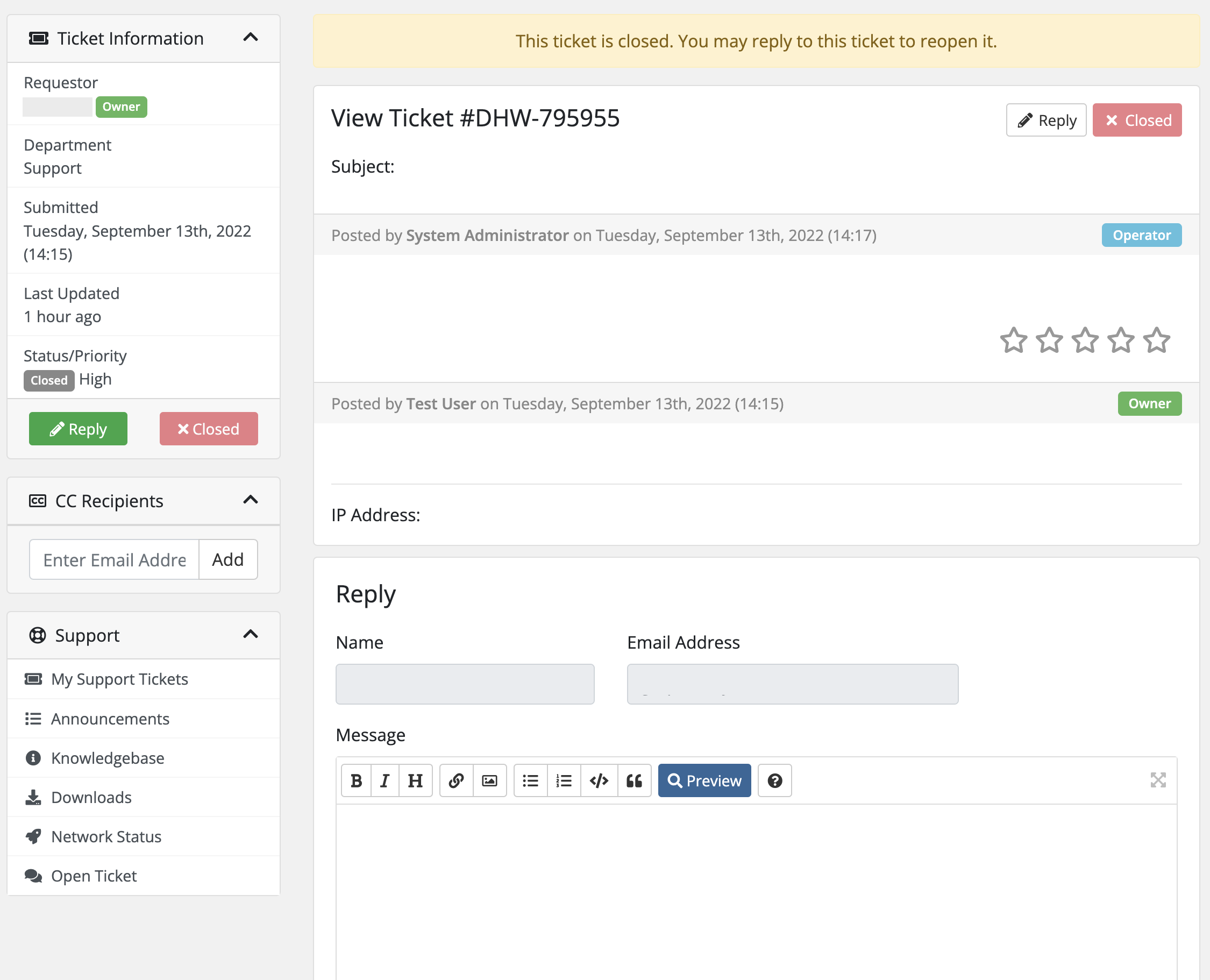
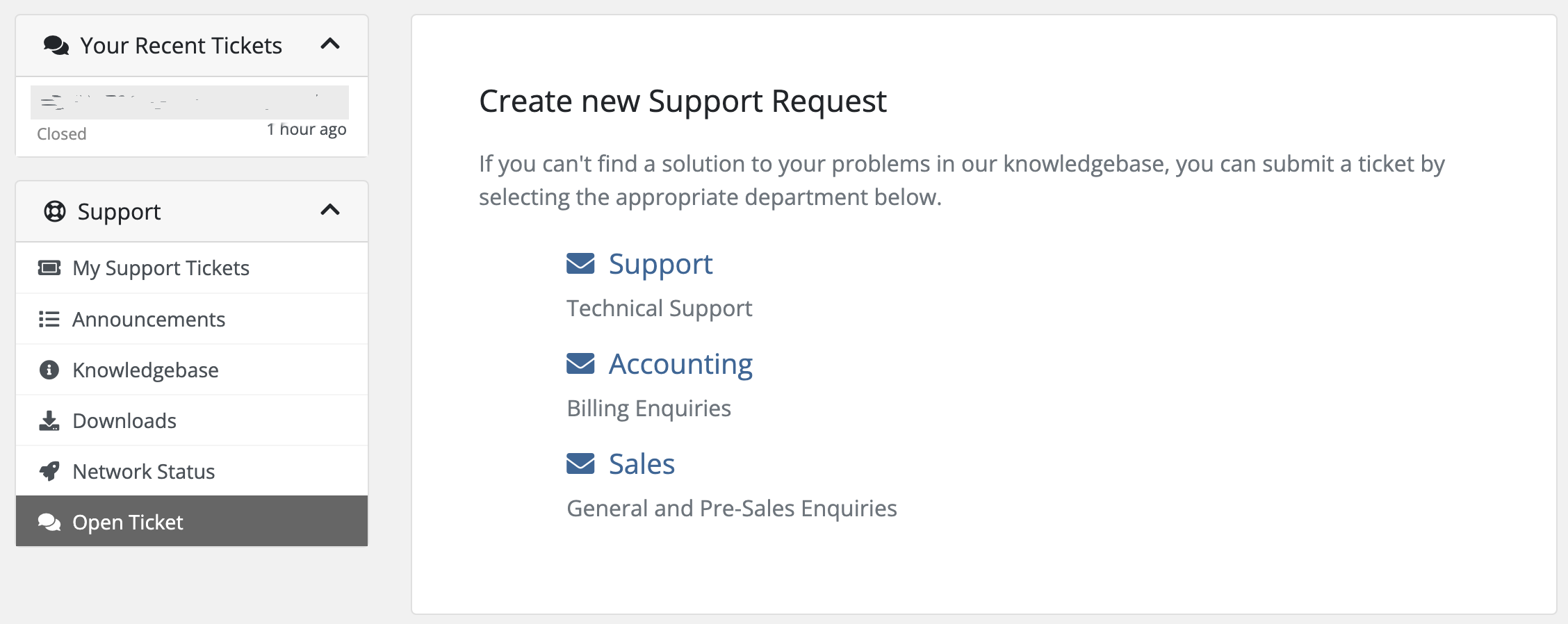
Please visit our KnownHost support portal at https://redquack.com/support and enter your login information. Once logged in you can now click “Open a Ticket” item to open a Support, Sales, or Billing ticket with us.
After logging in successfully, enter the details such as the subject and provide a detailed explanation of the issue and simply choose the Submit button to send your issue.
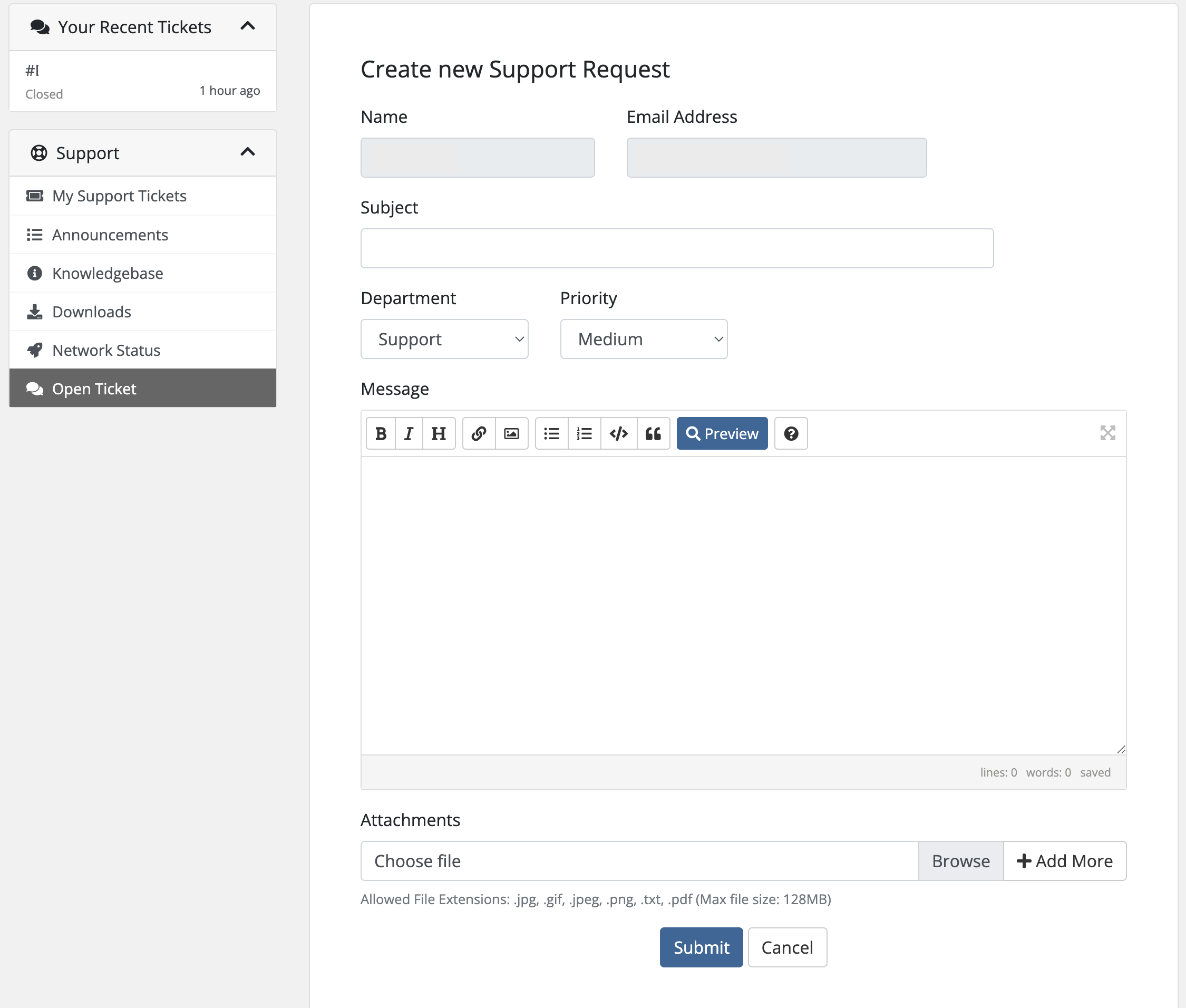
When providing the details in the ticket submission form, please ensure the following:
- provide the correct IP address the ticket is in reference to.
- when selecting the ticket’s priority, keep in mind that “Critical” refers to the following: “The priority of critical is used for instances of down services (Apache, MySQL, etc) or a completely downed server which allows us to quickly filter tickets internally and provide you with the best support possible.”
- provide the server’s root password for proper and accurate resolution. If the root password is unknown, please state this in the ticket and request a secure reset.
- if the SSH port has been changed from the default, provide the newly configured port number.
- the more detailed information provided in your ticket, the more quickly and thoroughly our support team will be able to assist or resolve your issue.